How to price your tiffin service: a simple guide for home cooks

Setting a price is one of the hardest parts of starting a tiffin service from home. If you charge too little, you work for free. If you charge too much, customers go to someone else. This guide shows you how to set a fair price in five simple steps.
1.Find out what each meal costs you
Before you look at what others charge, write down what one meal costs you to make. Do this once, carefully. You can use it for months.
- Ingredients: rice, dal, vegetables, oil, spices — for one day’s cooking.
- Gas and electricity: a rough share for the time you cook.
- Packing: steel boxes, foil or paper, carry bags.
- FSSAI registration: its fee, shared across your orders.
- Your time: the hours you spend buying, cooking and packing.
Add up all the costs for one day, except your time. Divide the total by the number of plates you make. This is your cost per plate. Your time is extra — that is what you earn.
| One day, 10 plates | Cost |
|---|---|
| Ingredients | ₹450 |
| Gas and electricity | ₹60 |
| Packing | ₹40 |
| Total for the day | ₹550 |
2.Choose how you charge
Customers like a simple price. On Brouz you can set one fixed price for the whole job, or a price per unit. You choose the unit — plate, box, kg or day. Choose the one that matches how people buy from you.
| Way to charge | Works well for | Example |
|---|---|---|
| Per plate or per box | Office lunches, one-off orders | ₹80 per plate |
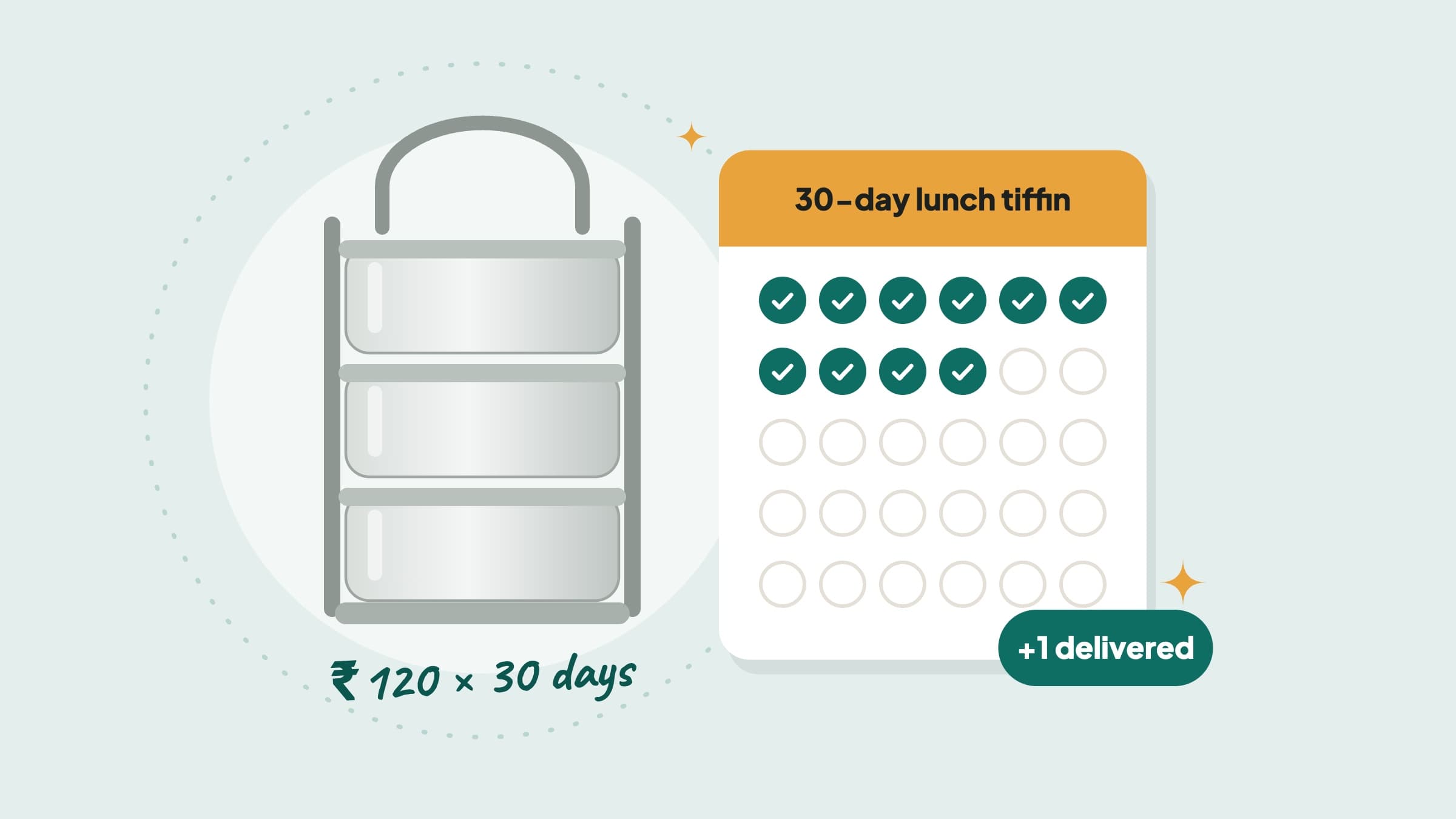
| Per day | Families who want meals every day | ₹120 per day |
| Per kg or per piece | Pickles, podi, snacks, sweets | ₹400 per kg |
| A fixed price | A party order or a set menu | ₹3,500 for 40 people |
With a price per unit, you can also set the smallest and largest order — for example, at least 5 plates, or 5 to 30 days. The customer chooses how many, and the app works out the total.
If you charge per day, you can also choose pro-rata cancellation. It means that if a customer stops after 4 days of a 10-day order, they get back the money for the days you have not cooked yet. Families like this, because they don’t lose money if their plans change. How to set up pro-rata cancellation shows how.
3.See what other cooks near you charge
Open Brouz and look at Food & Home Cooking in your area. Look at three or four cooks who make food like yours. You don’t have to be the cheapest. Customers often pay a little more for food they trust.
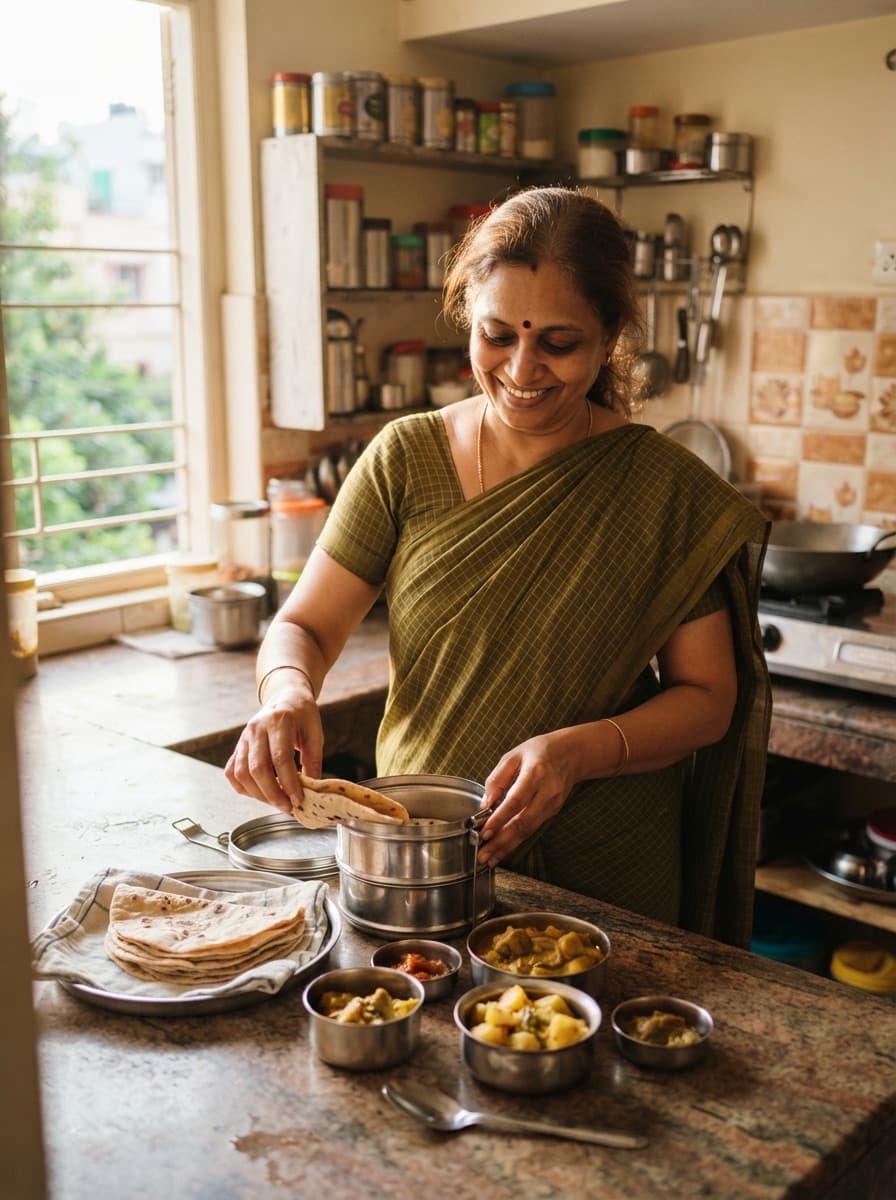
Look carefully at what each cook gives — the items, the quantity, and how often the menu changes. Compare meal for meal, in your own area, not across the whole city.
4.Add a delivery charge if you deliver
If you take the tiffin to the customer’s home, switch on delivery and add a charge for it. You can set the charge by distance — for example, free within 1 km and ₹30 up to 3 km. Customers see Comes to you on your listing, and the charge for their address before they book. So there are no surprises.
“A fair price, told clearly, sells better than a cheap price with hidden extras.”
5.Check your price every few months
Vegetable and gas prices keep changing. Check your costs again every three months. If they have gone up, it is okay to raise your price a little. Tell your regular customers one week before.
You can change your price in the app any time. Orders already booked stay at the old price, so nobody gets a surprise.
In short
- First, find your cost per plate.
- Choose one simple way to charge.
- Compare with cooks near you, not the whole city.
- Show delivery as a clear extra charge.
- Check your price every few months.
Questions cooks ask
Should I charge less than everyone else to get my first orders?
Not always. A slightly lower price can help at the start, but a very low price is hard to raise later. Good photos and quick replies often help more than a low price.
Can I offer both a per-plate and a per-day price?
Yes. Make two listings — one per plate and one per day. Each listing has one price, so customers always know exactly what they will pay.
Does Brouz take a fee from my price?
Joining and listing are free. Brouz takes a small fee only from the money you earn on an order, and you can see it on every order.
How do I change my price later?
Edit your listing in the Brouz app. A new price does not need to be checked again. Orders already booked stay at the old price.
Do I need an FSSAI registration?
Yes. By law, anyone who sells food needs one. Home cooks usually need the Basic Registration. Brouz asks for your FSSAI number and checks it before your food listing goes live.