Offering a 30-day service? How to set up pro-rata cancellation
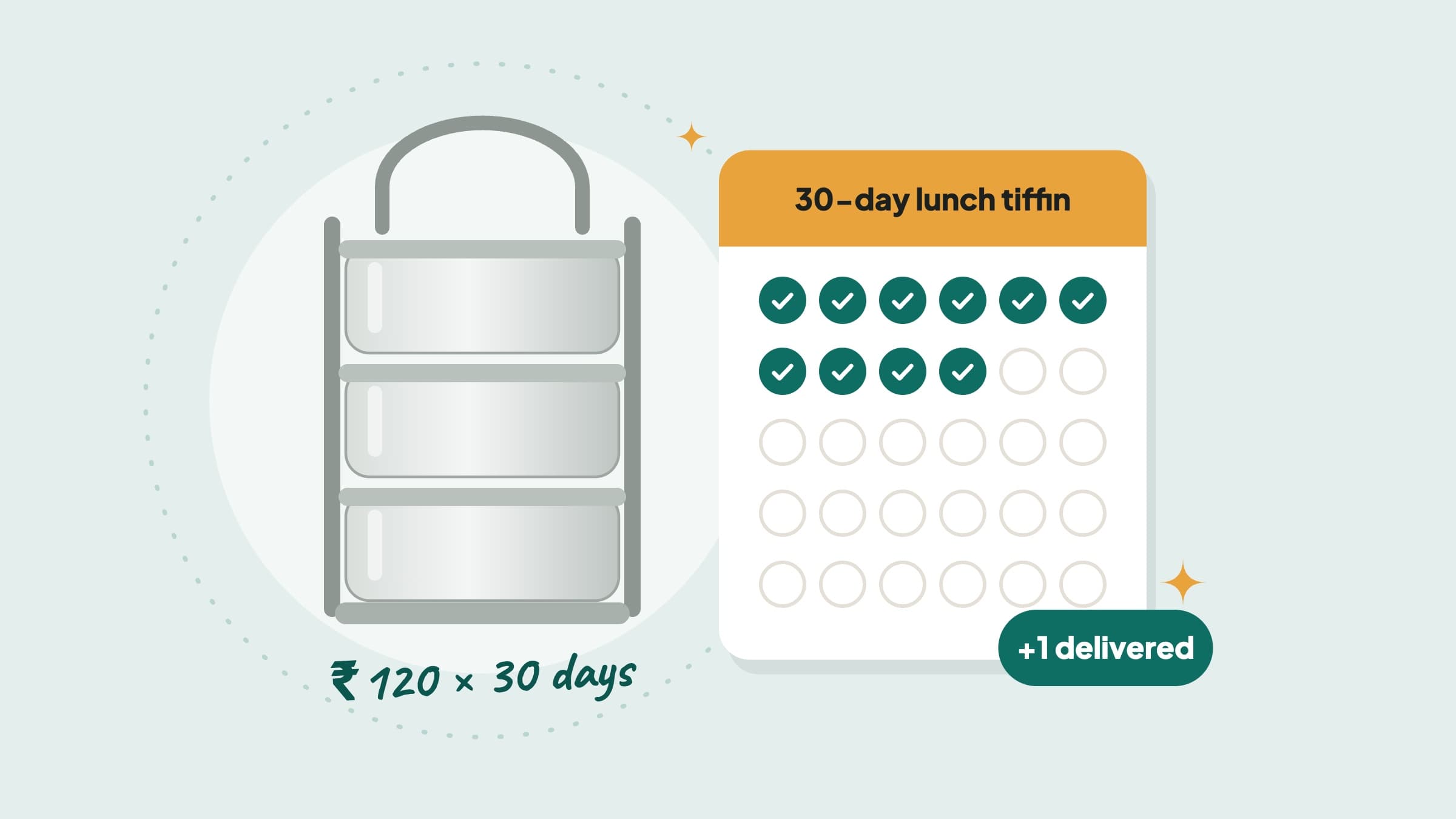
Families like to book a tiffin, a dog walker or a tutor for a whole month — but only if they won’t lose money when plans change. Pro-rata cancellation gives them that. This guide shows how to set it up, with a 30-day tiffin example, and what you keep if a customer stops early.
What pro-rata means for you
With pro-rata, a customer who stops early gets back money only for the days or items you have not delivered yet. You keep the money for everything you delivered — minus the Brouz fee on that part.
It makes long bookings feel safe. A family is more likely to book 30 days of tiffin if they know they won’t lose money when they travel.
Set it up in your listing
- 1Choose a price per unitIn your listing, set a price per unit. Pro-rata needs it. For example, ₹120 per day.
- 2Write the unitType the unit your customers buy — day, meal, class or box. The next section helps you choose.
- 3Set the smallest and largest orderFor example, 5 to 30 days. Customers book a whole number — 30 days, not 30½.
- 4Choose Pro-rataIn cancellation terms, choose Pro-rata. The app asks you to agree to stop the work straight away if a customer cancels. It asks again if you change the unit.
If you switch off the price per unit later, your cancellation terms go back to “No refund after work starts”.
Choose the right unit
This is the most important choice:
| You deliver… | Write the unit as | How it is counted |
|---|---|---|
| Every day, Sundays and holidays too | day | By itself — one for each calendar day, from the day you tap Start work |
| Monday to Saturday only | meal (or tiffin) | You tap +1 in the app each time you deliver |
| Classes, boxes or sessions | class, box or session | You tap +1 in the app each time you deliver |
Why it matters: with the unit “day”, Sundays count too. If you don’t cook on Sundays, a customer who cancels on a Monday pays for a Sunday you didn’t cook. Use “meal” instead, and count only what you deliver.
Example: a 30-day lunch tiffin
Lakshmi cooks South Indian lunch in Kolathur and delivers every day, Sundays too. Her listing:
A customer books 30 days from Monday 2 November: ₹3,600. On the first morning, Lakshmi taps Start work a few minutes before she starts cooking.
| If the customer cancels on… | Days delivered | Customer gets back | Lakshmi keeps |
|---|---|---|---|
| Day 1 | 1 | ₹3,480 | ₹120 |
| Day 10 | 10 | ₹2,400 | ₹1,200 |
| Day 20 | 20 | ₹1,200 | ₹2,400 |
| Day 30 | 30 | ₹0 | ₹3,600 |
If she cooked Monday to Saturday only, she would write the unit as “meal”, sell 26 meals for the month, and tap +1 every day she delivers.
When to tap Start work
- Tap it on the first day of the order, when you really begin — not earlier. With the unit “day”, the counting starts from that day.
- For a short time after you tap it, the customer can still cancel for a full refund. The app shows how long. Start the actual cooking or work only after that time is over.
- If you don’t tap it in time, the order is cancelled and the customer gets everything back. The app shows how long you have.
Counting meals, classes or boxes
If your unit is not “day”, open the order each time you deliver and tap +1. The customer sees the count go up and gets a notification. Made a mistake? Tap Undo.
If a customer cancels
- You get an alert: “Order cancelled — stop work now”, and a message stays on your Home screen.
- Stop the work. Then tap I’ve stopped in the app.
- The customer’s refund is sent straight away. You don’t need to approve it.
- You keep the money for what you delivered, minus the Brouz fee on that part.
The customer has 3 days to raise a problem if they think the amount you kept is not fair. After that, your share is paid to your account.
When you get paid
For a full 30-day order, mark the order done after the last day. The customer confirms — or it completes by itself 3 days later — and you are paid. So for a long order, the money comes at the end. If that is too long for you, set a smaller largest order, like 7 or 15 days.
In short
- Pro-rata needs a price per unit — per day, meal, class or box.
- Write the unit as “day” if you serve every day. It counts by itself.
- Not every day? Use “meal” or “class”, and tick each one in the app.
- If a customer cancels, you keep the money for what you delivered.
- Stop the work as soon as you get the cancel alert.
Questions about pro-rata
Can I use pro-rata with one fixed price for the whole job?
No. Pro-rata needs a price per unit, so Brouz knows what each day or item is worth.
What if a customer says I missed a day?
Talk it over in the Brouz chat first. If you can’t agree, the customer can raise a problem, and the Brouz team decides. Ticking on time and keeping the chat on Brouz protects you.
If I change my unit or terms, do booked orders change?
No. Orders already booked keep the price and terms they were booked with.
Do I need an FSSAI registration for a tiffin service?
Yes. Anyone who sells food needs one. [How to price your tiffin service](/blog/how-to-price-your-tiffin-service) explains this and more.