Fixed, hourly or price after visit? How to choose the right price for your listing

When you create a listing, Brouz asks how you want to charge. There are three choices: a fixed price, an hourly rate, or a price after visit. Picking the right one means fewer questions from customers, fewer cancellations, and fair pay for your work.
The three choices at a glance
| Price type | Best when | Examples |
|---|---|---|
| Fixed | The job is the same every time | AC service, mehendi for one person, a birthday decoration, a logo |
| Hourly | The customer chooses the time | Tuition, personal training, an event anchor, elder care |
| Price after visit | You can’t price it without seeing it | Carpentry, painting, plumbing, appliance repair |
Fixed price: simple and easy to book
Customers like fixed prices most — they know exactly what they will pay before they book. Use it whenever your job is roughly the same each time.
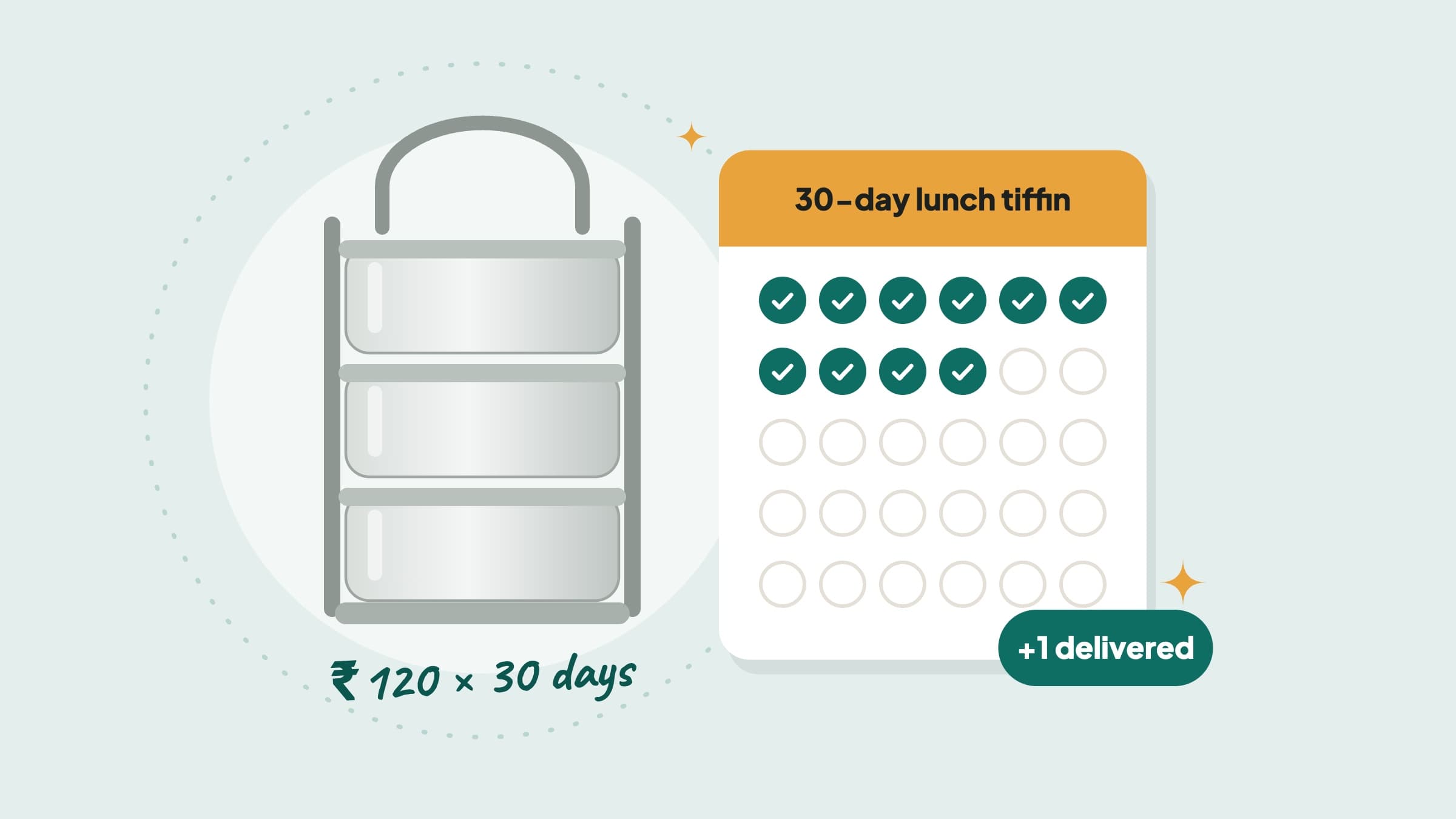
If you charge per item, turn on quantity pricing: set a price per unit (per blouse, per kg, per seat, per class), a minimum and a maximum. The customer picks how many, and the total is worked out for them. For a tiffin service, see How to price your tiffin service.
Hourly rate: when time is the job
Choose hourly when the customer decides how long they need you. A tutor, a trainer or a caregiver is booked for their time. The customer picks the hours when they book, so the total is clear upfront.
Write in your description how long a typical booking takes (“most students take 2 hours a week”), so customers don’t under-book.
Price after visit: for jobs you must see first
Some jobs can’t be priced on the phone. A leaking pipe may be a five-minute fix or a full day. With price after visit, you set a minimum charge that the customer pays before your visit. After seeing the job, you send the final price in the app, with a short note on what is included. The customer accepts it and pays the rest before you start.
- 1Set a fair minimumIt should cover your travel and time to look at the job. Customers see “From ₹299”.
- 2Choose where the visit happensWhen you accept an order: at the customer’s home (the minimum is your visit fee) or at your place (it’s refunded if the order doesn’t go ahead).
- 3Send the price on timeYou must send the final price before the start-work deadline shown on the order, or the order is cancelled.
- 4Start once it’s agreedStart Work unlocks only after the customer has accepted and paid the rest.
Want to see it from the customer’s side? Share this guide for customers when they ask how it works.
Mistakes to avoid
- A minimum that is too low. If customers decline often, your visit fee should still cover your trip.
- Hourly for a fixed job. If an AC service always takes an hour, a fixed price is easier to book.
- Hidden extras. Say in your description what costs extra, like spare parts or paint.
- A vague first line. Your “I can…” line should say exactly what you do — see How to write your “I can…” line.
In short
- Fixed — when the job is the same every time.
- Hourly — when the customer decides how long.
- Price after visit — when you must see the job first.
- Quantity pricing (per kg, per blouse, per day) works with a fixed price.
- Say clearly what is included, in your description.
Questions providers ask
Can I change my price type later?
Yes. Edit your listing and choose a different price type. Orders already placed keep the price the customer booked.
Can I offer the same service with two price types?
Yes — make two listings. For example, a fixed price for an AC service, and price after visit for AC repairs.
What happens if the customer says no to my final price?
The order is cancelled. If the visit was at the customer’s home, you keep the minimum as your visit fee. If it was at your place, it is refunded to the customer.
Does Brouz take a fee on the minimum?
Brouz’s fee is taken from what you earn on an order, the same way for every price type.