5 photos that help your listing get more bookings
Customers cannot touch or see your work before they book. Your photos show it to them. You don’t need a costly camera — your phone is enough. Here are five photos worth taking.
First, three simple things make any phone photo better:
- Daylight. Stand near a window or go outside. Switch the flash off.
- A clean background. A plain wall, a bedsheet or a cleared table.
- A clean lens. Wipe the camera with a soft cloth, and your photos come out sharper.
1.Your best finished work
Choose the work you are most proud of. Take its photo alone, close up, in daylight. Make this your main photo. Customers see it in search results, even before they open your listing.
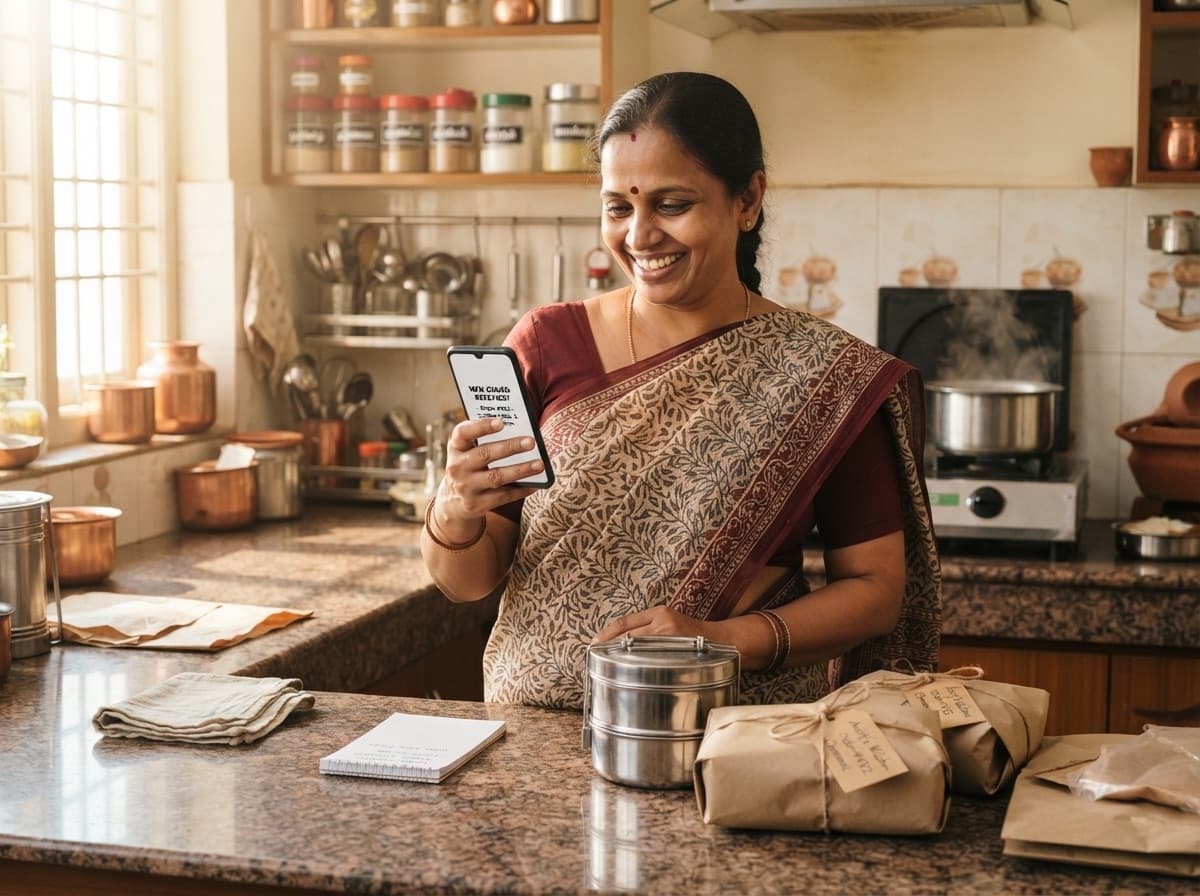
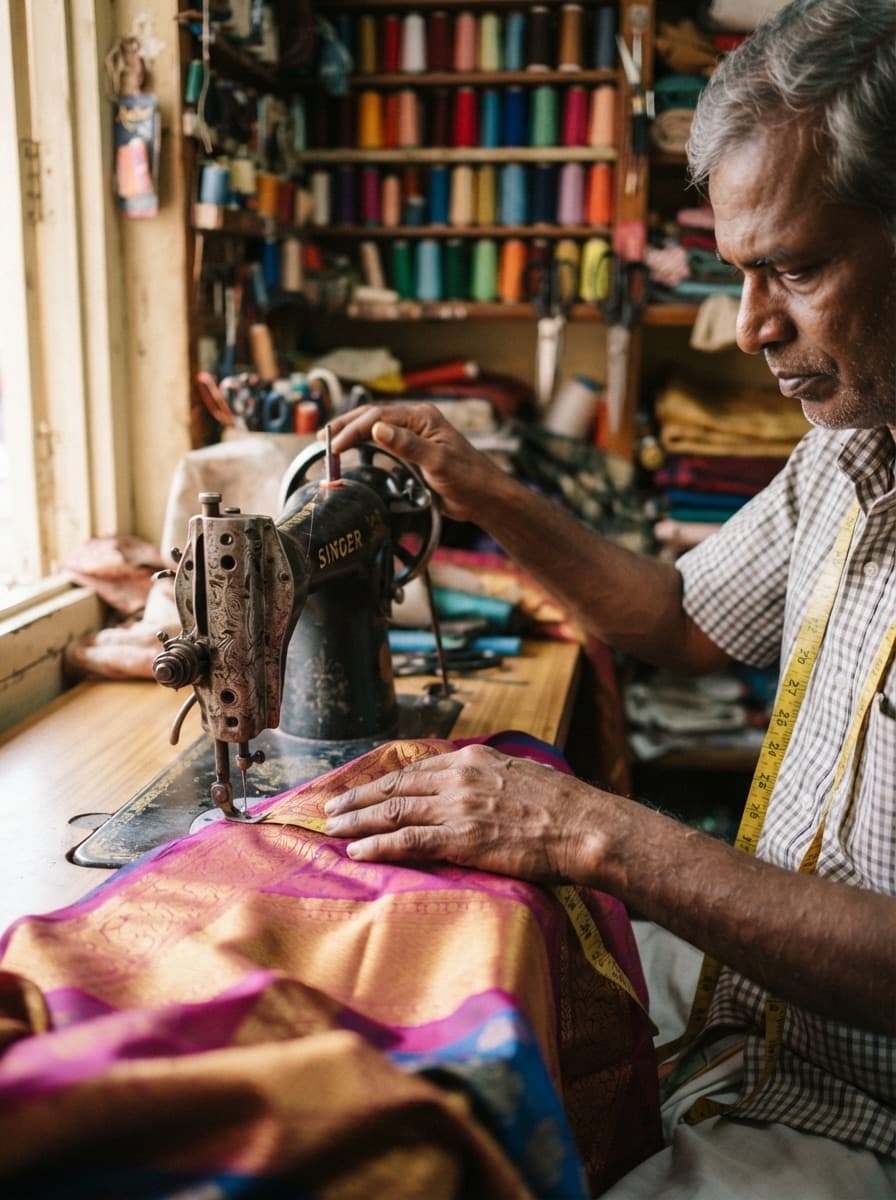
2.You, at work
Show your hands at the sewing machine, the stove or the whiteboard. It tells customers that a real person does this work, with care. You don’t have to show your face if you don’t want to.
3.Before and after
For cleaning, repairs, alterations or gardening, show two photos side by side: the dirty sofa and the clean one, the loose blouse and the fitted one. Two photos say more than many words. Take the “before” photo first — people often forget it.
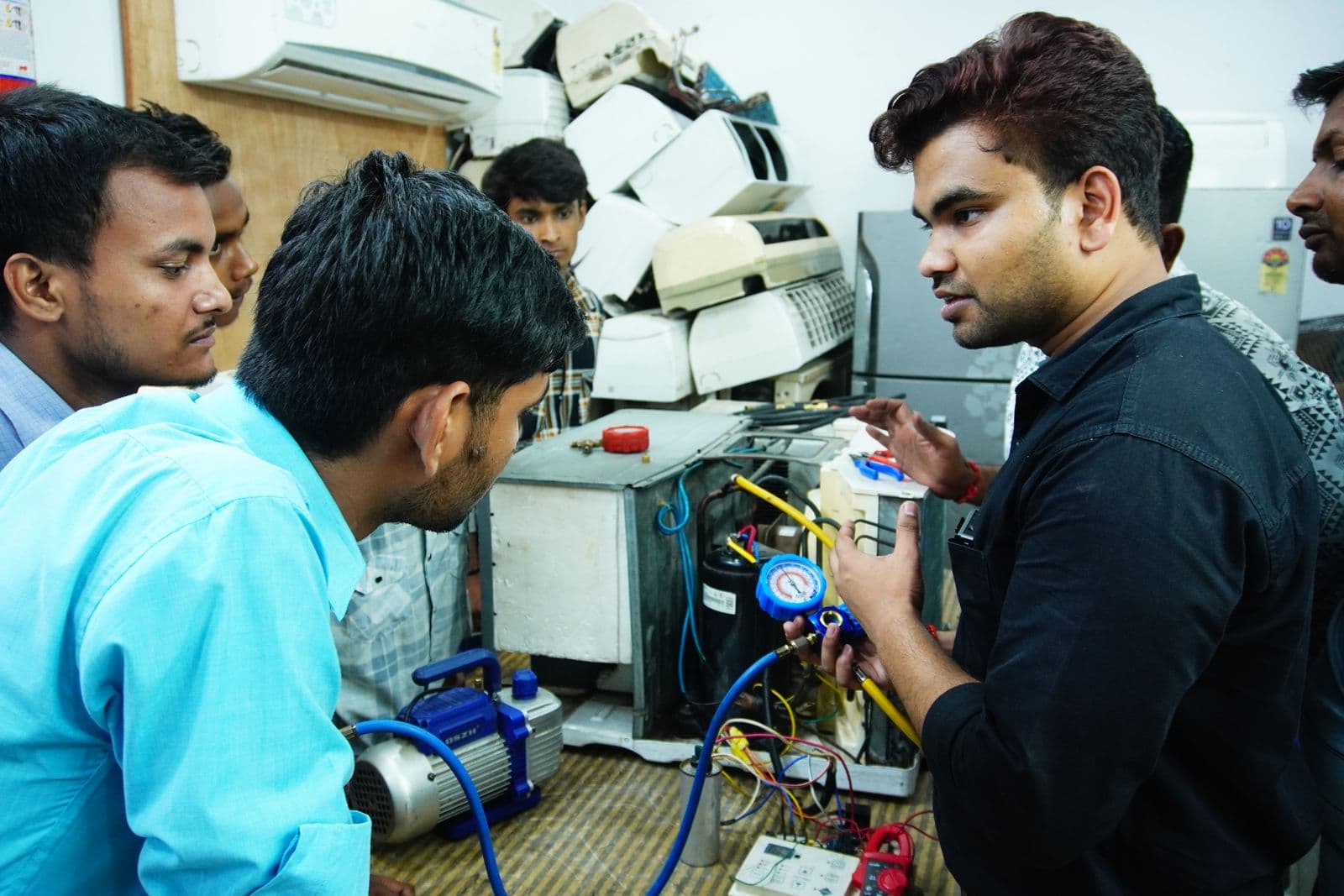
4.Your workplace and tools
A clean kitchen, a well-kept sewing machine, a toolbox with the right tools. Customers notice these things. They help people trust you before you meet.
5.A close-up of the details
Neat stitching, smooth icing, fine mehendi lines. One close-up photo shows your skill better than any description.
What not to put in your photos
- Photos from the internet. Use only photos of your own work.
- Phone numbers, UPI IDs, QR codes or links — in the photo, or on a board behind you. Customers contact you through Brouz.
- People’s faces without asking them first, especially children.
- Heavy filters. If the photo looks better than the real work, customers will notice when they see it.
In the app, your main photo has its own place. The others go under Additional photos. The app makes every photo smaller before it is uploaded, so your listing opens fast on any phone.
In short
- Take photos in daylight, on a clean background.
- Make your best finished work the main photo.
- Show your hands at work, and your tools.
- Use only your own photos, with no phone number in them.
Questions about photos
Which photo shows in search results?
Your main photo. The app asks for it first, when you add photos to a listing.
Do I need a good camera?
No. Any phone camera works well in daylight. Switch off the flash and hold the phone steady.
How many photos can I add?
The app shows how many you can add to each listing. Brouz Plus and Pro plans allow more photos.
Can I change my photos later?
Yes, any time. Changing photos does not send your listing for checking again.